
Forge on PC is the gift that nobody asked for but everyone is happy to accept. The announcement of PC support for the beloved map editing tool was met with equal parts praise and astonishment. Vague statements regarding “resolution increases”, “keyboard and mouse support”, and the ability to “test and play with friends” spawned a flurry of rumors and speculation. Since this announcement, not much has been revealed about the migration to PC and what it means for the community. Now that the tool has been officially released, we can finally see just how much our favorite map editor has changed.
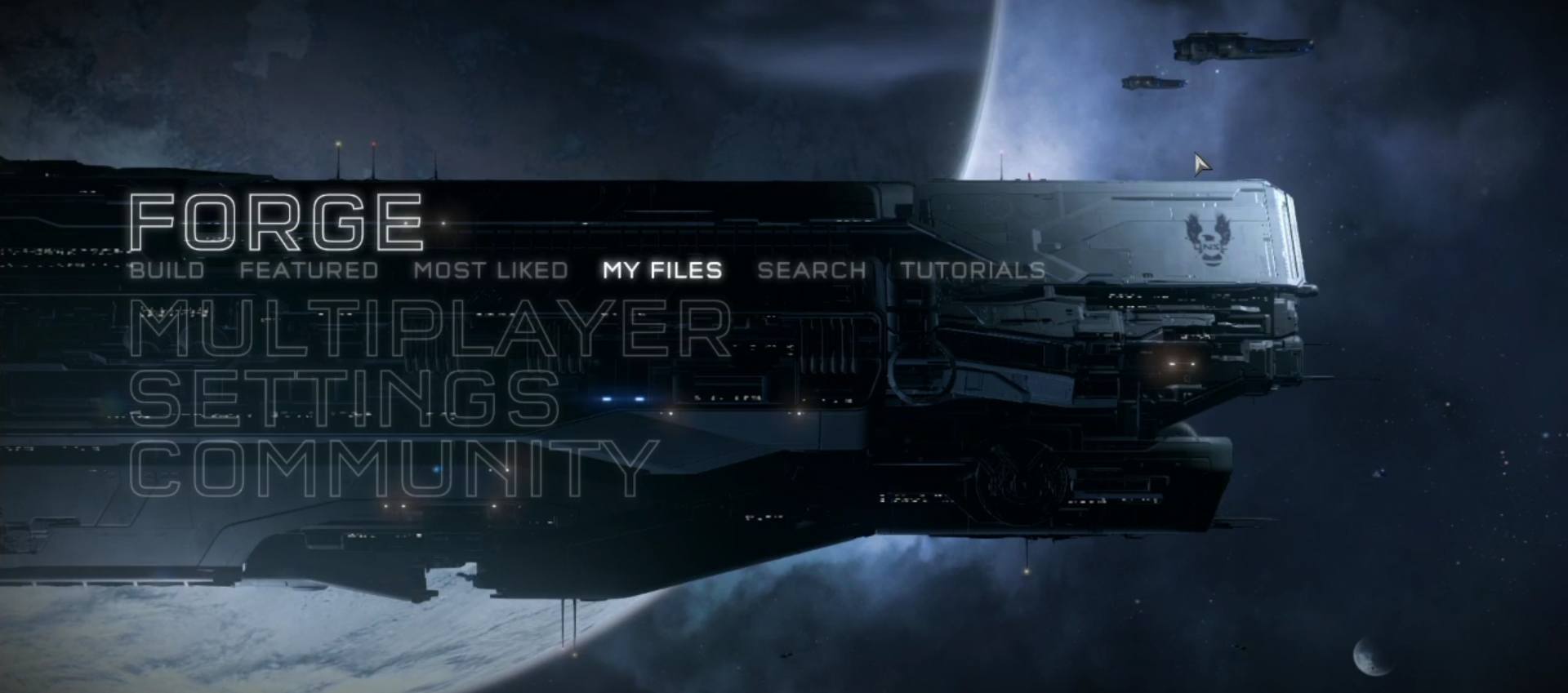
First of all, this is not a simple port to PC with campaign and matchmaking removed. This is a complete overhaul. Upon loading the game for the first time, the player is met with an all too familiar menu screen. However, moving just below the surface reveals the expansive changes and additions that have been made specifically for the PC experience. The menu is divided into four sections; Forge, Multiplayer, Settings, and Community. Each section is then divided into subsections to allow the player to superficially navigate through the various modes, utilities, and settings.
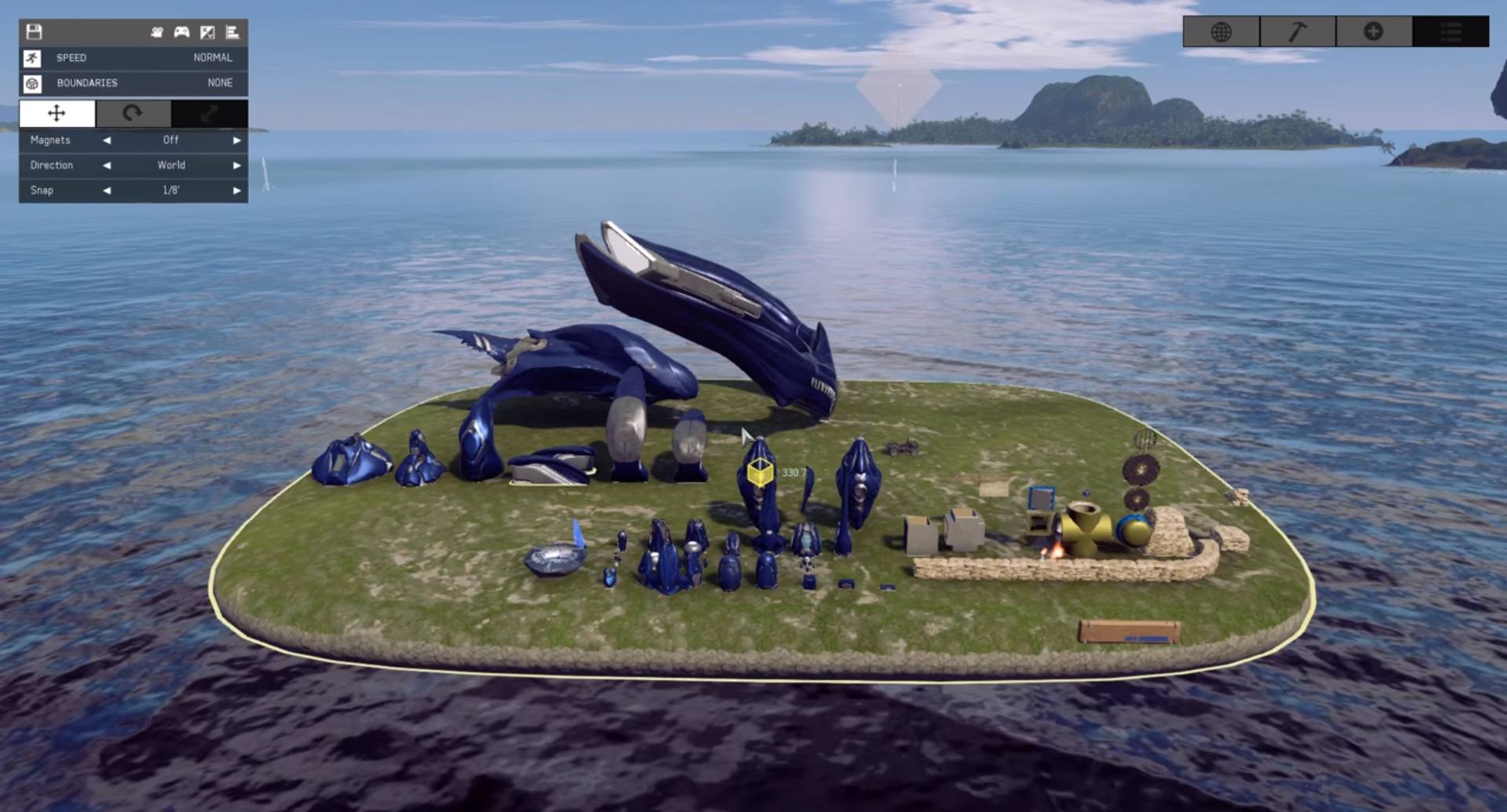
The crowning jewel of the Anvil’s Legacy update is the addition of forge on the PC. This update adds an unprecedented level of functionality. These features include prefabs, in-session search, additional forge objects, vehicle welding, musical queues, more precise editing tools, a restructured user interface, and added customization options. These features are shared across the two platforms and are not exclusive to the PC.
There are, however, a number of abilities that players will have access to only on PC due to the added flexibility of a mouse and keyboard. Such features include the ability to click and drag to select objects, enter custom units and type titles and descriptions using the keyboard, and an overlay to more appropriately display multidirectional object manipulation.
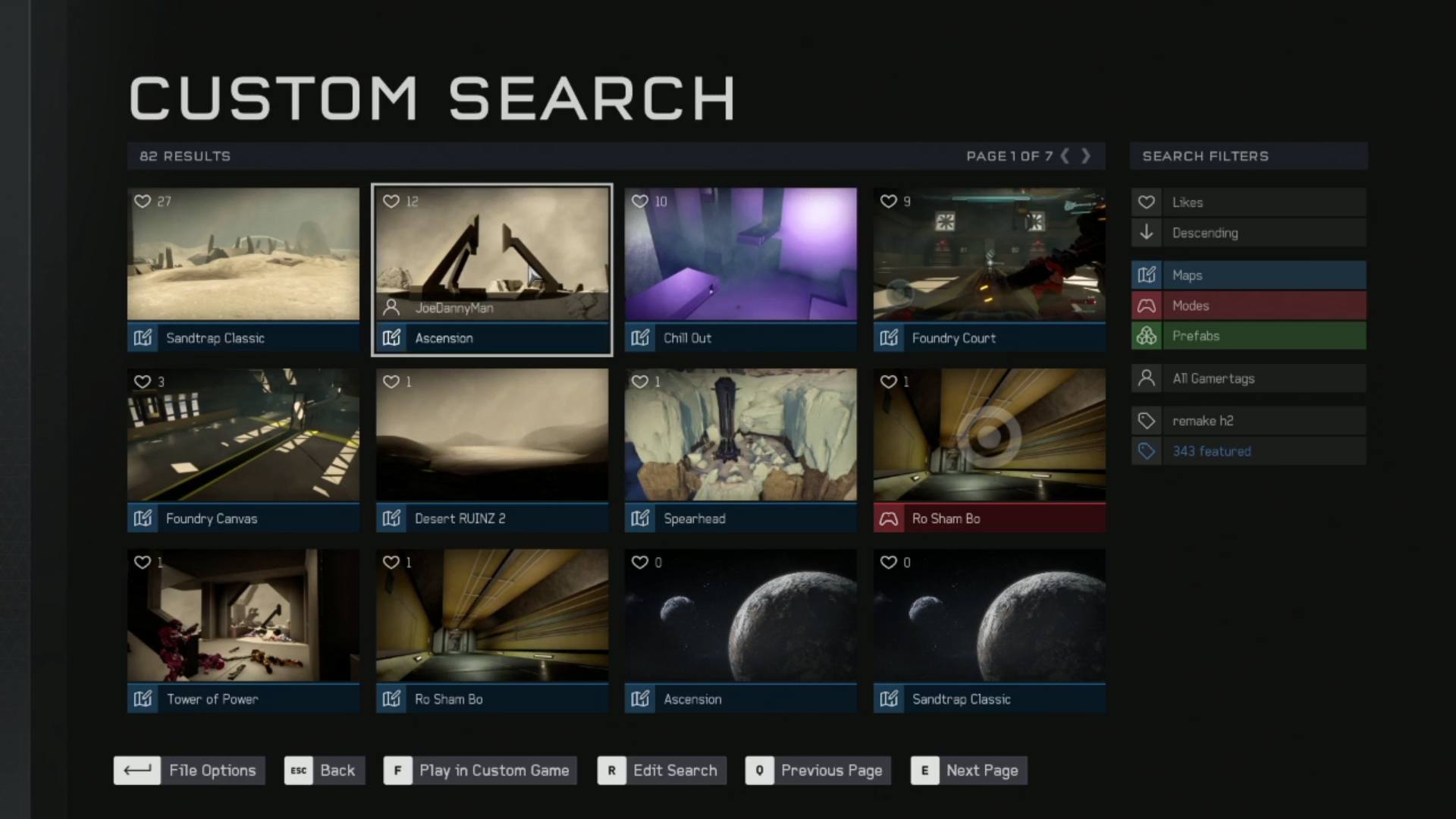
One of the most highly requested items from the forge community is a revamped search and file browser. It has been painfully apparent the players have been extremely dissatisfied with the execution of this feature (or lack thereof) in recent Halo titles. This new version, appropriately named “search”, aims to put these complaints to rest. Not only does this search function incorporate options that have previously existed in past iterations of the file browser, but also adds an additional slew of possibilities.
Custom search allows players to search by gamertag, popular tags, or keywords found in titles or descriptions (made all the more painless by the use of a keyboard). Gamertag search allows the player to look at friends, fireteam members, company, recent players, or even search for a gamertag manually. Once a gamertag is found, it can be saved and used later. This is helpful for following popular forgers and staying updated with their newest creations. Once the parameters are set, results can be sorted by additional metadata such as date modified, bookmarks, or number of likes. It is important to note this search can be used to find maps, modes, or prefabs simultaneously or individually.
The Featured subsection is a shortcut to a search that allows players to browse content with the “343 seal of approval”. The Most Liked subsection is exactly what it sounds like. Use this search to find community favorites. Personal player-created files can be found under the My Files subsection. From this interface players can load, save, edit, and share their personal creations.
On top of the already impressive array of added functionality is the addition of a tutorials subsection. There are currently two methods to explore tutorials for Halo 5: Guardians Forge on PC. The interactive tutorial is an explanation of the forge experience as the player achieves basic objectives. The second option is a series of advanced tutorials in a traditional video format.
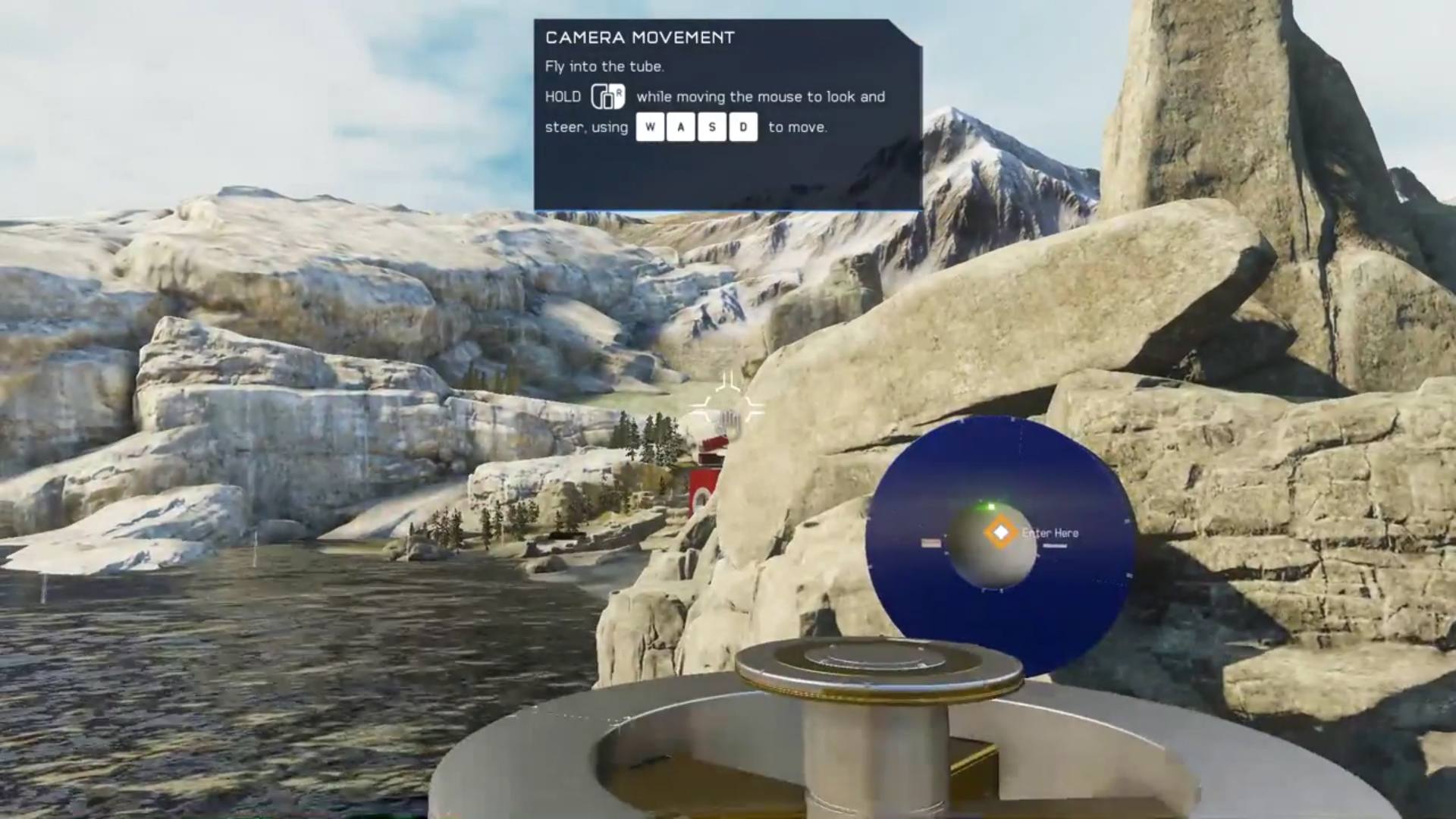
Although no matchmaking exists, players can still test and play each other’s creations in custom games. Cross-platform play is likewise not supported but players can create maps, modes, and prefabs on one platform and access them on the other. A custom game search is also in the works and will be available on the PC and console versions. In addition to adding a title and description, players can now also add tags and screenshots to better showcase their creations. This metadata can also be used to populate search results.

The settings section has also received a sizable update. The gameplay options carry over from the Xbox and offer players the ability to customize specific gameplay elements. Although these settings now have their own dedicated subsection, no new functionality or options were added here.
For those that adopt the use of more traditional computer peripherals, forge on PC has extensive options to custom tailor a player's experience interfacing with the game. A mouse and keyboard combo offers more flexibility and customization options than a controller due to the increased number of inputs and combinations. Players are free to customize the key mappings for both on-foot and vehicle scenarios to meet their personal preferences. However, the forge-specific controls remain constant in an effort to standardize tutorials and instructional videos.
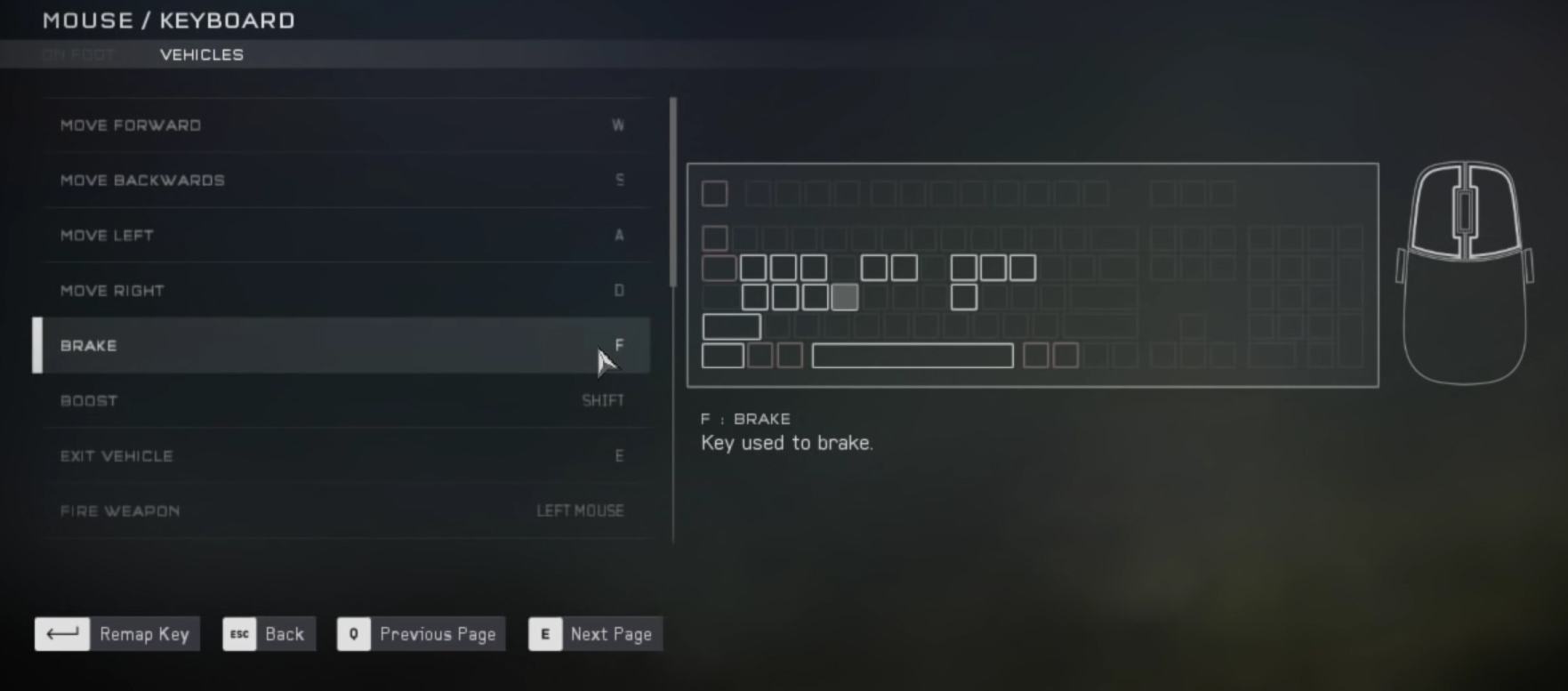
If a player finds that a mouse and keyboard is too much to master, a standard Xbox controller can be used in its place. The customization options for the controller mimic what is found on the Xbox. It is important to note, however, that the controller can only interface with a Windows 10 device through the use of a $25 adapter.
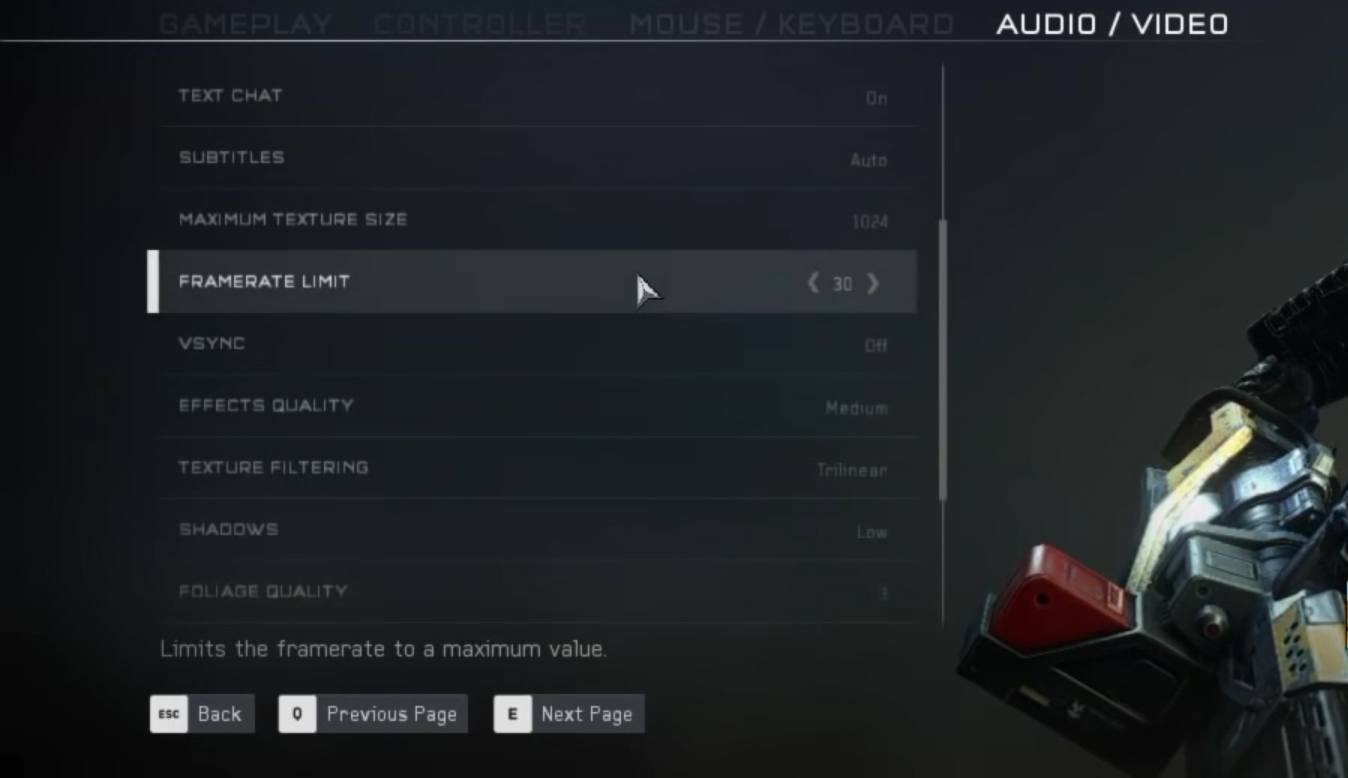
Audio and video settings are far more advanced here than what is found on the console counterpart. Players can customize the resolution, frame rate limit, effects, textures, shadows, foliage, reflections, and many other settings that are not found on the Xbox list of audio and video tools. Unlike the console, computers vary widely from machine to machine and these settings help fine-tune the game to match the specifications of the player’s computer. The goal here is to create the most graphically pleasing experience possible while staying within the bounds of the machine’s performance. It is a good idea to check the recommended system requirements before downloading forge for PC, as older machines may not be capable of running the game successfully.
The community section has only two options. These options are the Halo app and a link to Halo Waypoint. While the second option is self-explanatory, the first option may require a bit more information. Alongside the release of Anvil's Legacy is a PC application called the Halo app. This app is a unified interface that will allow players to navigate various Halo-related content all within a single application. This app can also be used to launch all Halo titles currently supported on PC. Additionally, 343 featured content, community creations, and news will also have a home here.
Although the integration of forge on PC was unexpected, the overwhelmingly positive reception thus far has proven that this will be another great step in the right direction for forge. Offering players the ability to create, test, and share their creations via an alternative platform will only further help the community to expand. Great things are on the horizon for the forge community and those that benefit from it. Halo 5: Forge can be downloaded for free from the Microsoft Store.
Getting Started with Forge for PC
Discussion in 'Halo and Forge Discussion' started by Foxy Papa Smurf, Sep 8, 2016.
Tags:
Comments
Discussion in 'Halo and Forge Discussion' started by Foxy Papa Smurf, Sep 8, 2016.
XenPorta 2 PRO
© Jason Axelrod from 8WAYRUN.COM